Home Office Lighting for Dual Monitors Without Glare
Control window direction, ambient light, task light and screen reflections for a comfortable two-monitor workspace.
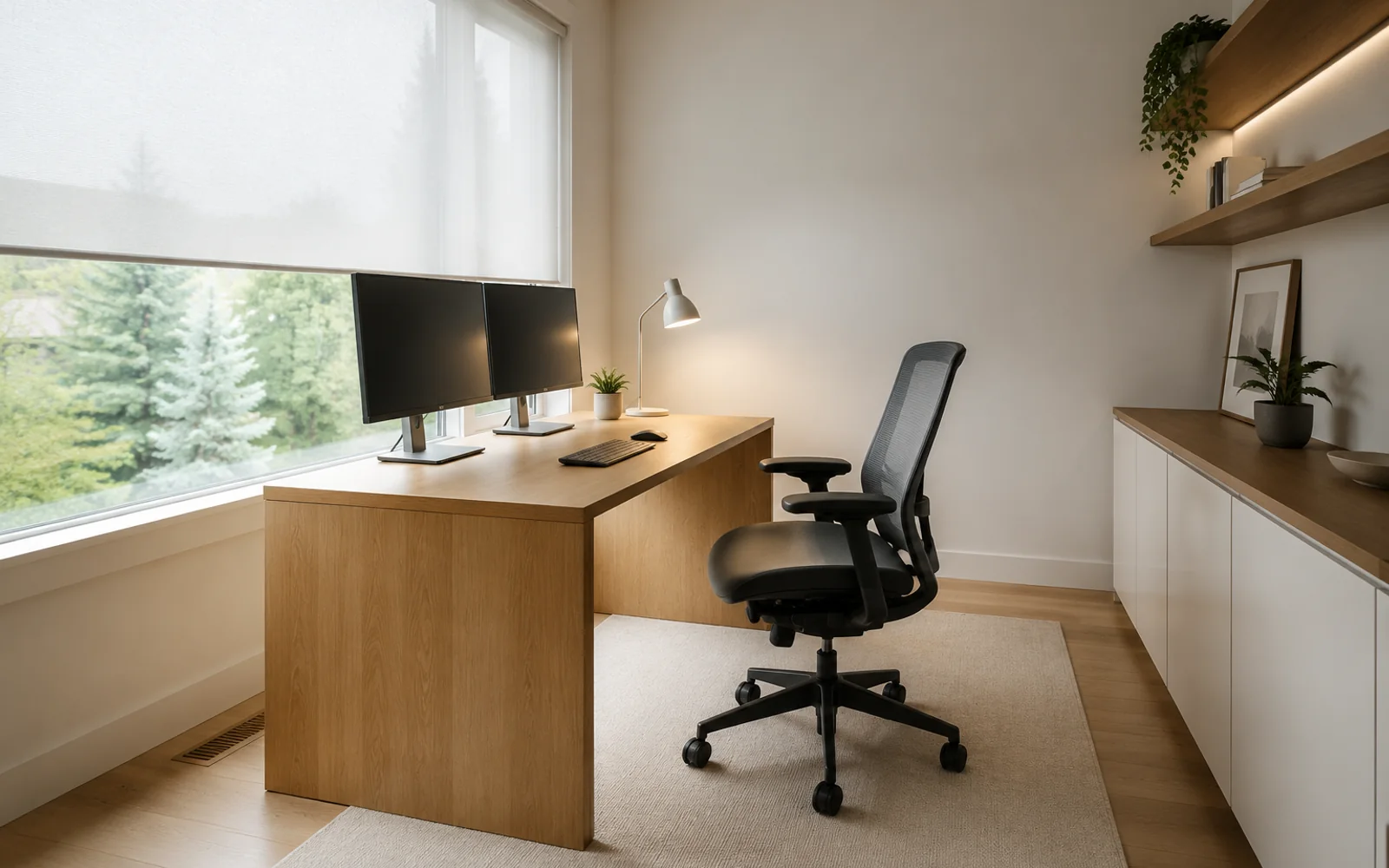
The simplest lighting rule for dual monitors is to keep the brightest window to the side of the screens and use a broad, indirect room light rather than a bright lamp aimed at the display. Two screens create more reflective surface and a wider field of view, so a lighting position that works for one monitor may produce glare on the second.
Place the desk before choosing lamps
Start by rotating the desk so the main window is roughly perpendicular to the screen plane. Check both monitors at the brightest hour. One screen may catch a reflection even when the other looks clear, especially when they are angled inward.
Avoid placing the screens directly in front of a bright window. The large brightness difference forces the eyes to adapt between dark content and daylight. Also avoid a window directly behind the chair, where it can reflect across both panels.
Build three layers of light
Ambient light
Use a broad ceiling fixture, wall light or reflected floor lamp to keep the room around the screens from becoming dark. The goal is moderate, even illumination, not maximum brightness.
Task light
Place an adjustable desk lamp so it lights documents without shining onto either screen. For right-handed writing, a lamp on the left often reduces hand shadows; reverse it for left-handed writing. Keep the light source outside the direct reflection angle.
Background or bias light
A soft light on the wall behind the monitors can reduce the perceived contrast between the screens and the room. It should be diffuse and dimmer than the displays, with no visible bare bulb reflected in the panels.
Match color and brightness to the work
Extremely cool light at night can make the room feel harsh, while very warm light may make colour-sensitive work difficult. A neutral adjustable lamp is more flexible. Set both monitors to similar brightness and colour temperature before diagnosing the room; mismatched displays can feel like a lighting problem.
Clean the screens and check glossy desk surfaces, framed artwork and glass cabinets. Glare sometimes comes from a secondary reflection rather than the window itself. Blinds that diffuse light usually work better than fully darkening the room.
The home office with window layout page shows a real case where screen direction is coordinated with daylight. Its featured window-glare example records the constraint, output and three decisions.
Use the AI home office design tool with “dual monitor,” window direction and the time glare occurs in the brief. A Concept Layout can help compare screen orientation; an HD Render can explore the finished lighting mood. It cannot calculate illuminance or screen luminance, so test the real equipment before finalising the room.
Reviewed 17 July 2026. Consult a lighting or electrical professional for installation and compliance questions.